


Product updates / Data Conversations Updates
Data Conversations Updates
Product update: December 17, 2025
Author: Kate Price
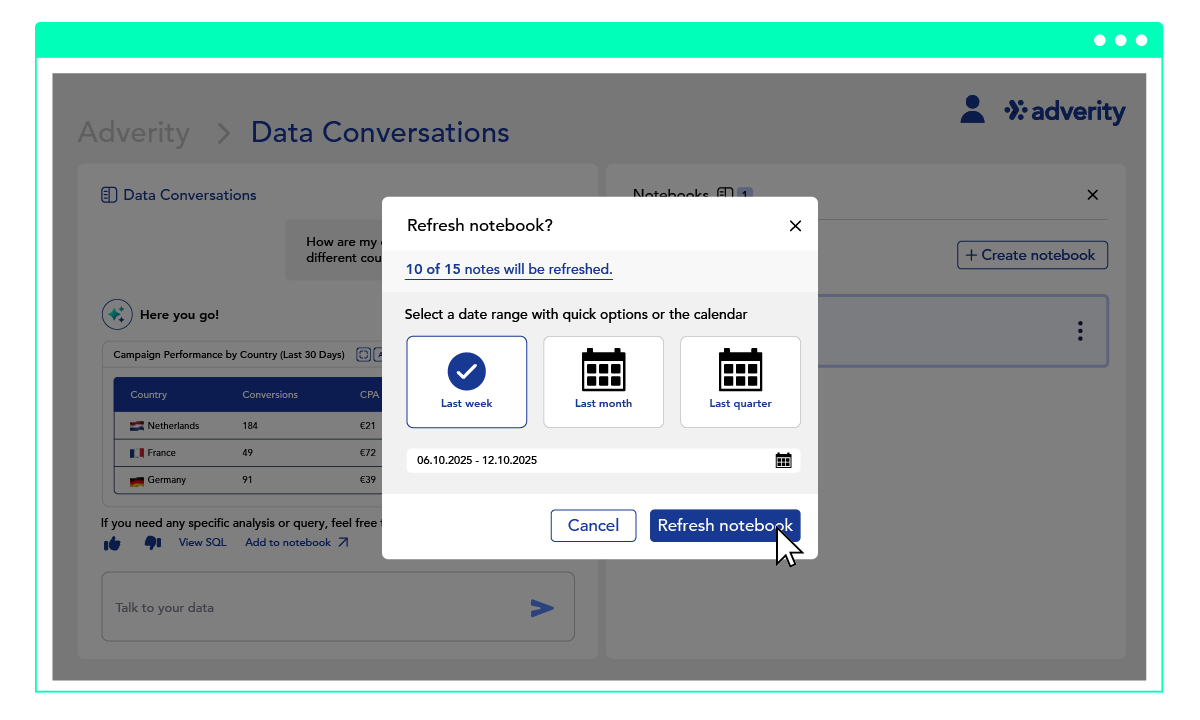
Export Data Conversations to Google Sheets & Notebooks Refresh
Since we launched Data Conversations, we have been developing updates that make Data Conversations and Notebooks even better. These new features are designed to make your data analysis faster, easier, and more integrated than ever before.
Export Data Conversations to Google Sheets
You can now export tabular results directly into Google Sheets. With this update, you can:
- Seamlessly push tables into Google Sheets
- Continue analysis using familiar spreadsheet tooling
- Accelerate decision-making and reporting workflows
This new feature will accelerate analysis and decision-making by bridging the gap between conversational analytics and your financial and planning workflows.
Notebooks Refresh
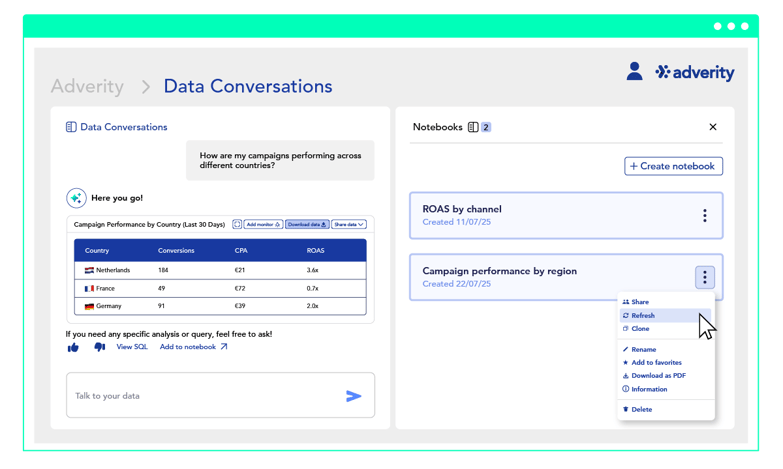
Notebooks Refresh is a simple one-button update that instantly reloads the data in your Notebook. No more rebuilding queries, no more manual tweaks, just clean, current insights every time you need them.
With automatic refresh history, timestamps, and preserved Notebook structure, you can create recurring reports that stay consistent and traceable without the busywork, and keep insights relevant without needing to recreate or manually adjust queries.
Why is Notebooks Refresh a game changer?
With this update, you can:
- Create a new version of a previous Notebook (by cloning and then refreshing) in order to compare the two.
- Bring a Notebook up to date by getting the latest data (e.g. “show me marketing performance for the last month”).
- Bulk generate notebooks to create recurring reports ready for key stakeholders.
- Create consistent Notebook structures across periods, so comparisons are trustworthy and meetings don’t derail over definitions.
If you want to learn more about Notebooks, you can read more here.
To learn more about Data Conversations, read more here.